No account. No app. No download.
Snapchat quietly publishes a webpage for every Public Profile on the platform. That page sits on the open internet, readable in any browser. Reading it does not require a Snapchat account of your own. This is the intended behaviour of something the account holder deliberately made public rather than a workaround.
The part worth getting right is which route you use, because that decision has real safety consequences.
Quick Answer
Every Snapchat Public Profile has a shareable web URL at story.snapchat.com/username. Open that in any browser and you see the profile without signing in. For a cleaner layout and easier navigation, a browser profile viewer reads the same public data and presents it without the Snapchat interface. Both routes avoid login and leave no trace on the account owner side. Any tool that asks for your Snapchat password is a different category of thing and worth avoiding.
Why This Works at All
Snapchat is direct about the split. Its documentation onPublic Profiles states that only your friends can see your personal profile, while a Public Profile is visible to anyone on Snapchat.
When somebody opts into a Public Profile, Snapchat publishes a dedicated webpage for that account carrying the Bitmoji avatar, display name, bio, subscriber count and any Stories posted in the last 24 hours. That data lives on the open web and any browser can already read it.
Accounts aged 16 and over have a Public Profile by default, though using it is optional. Which is why some profiles load with almost nothing on them and others are packed with content.
The Four Ways to View Someone’s Profile
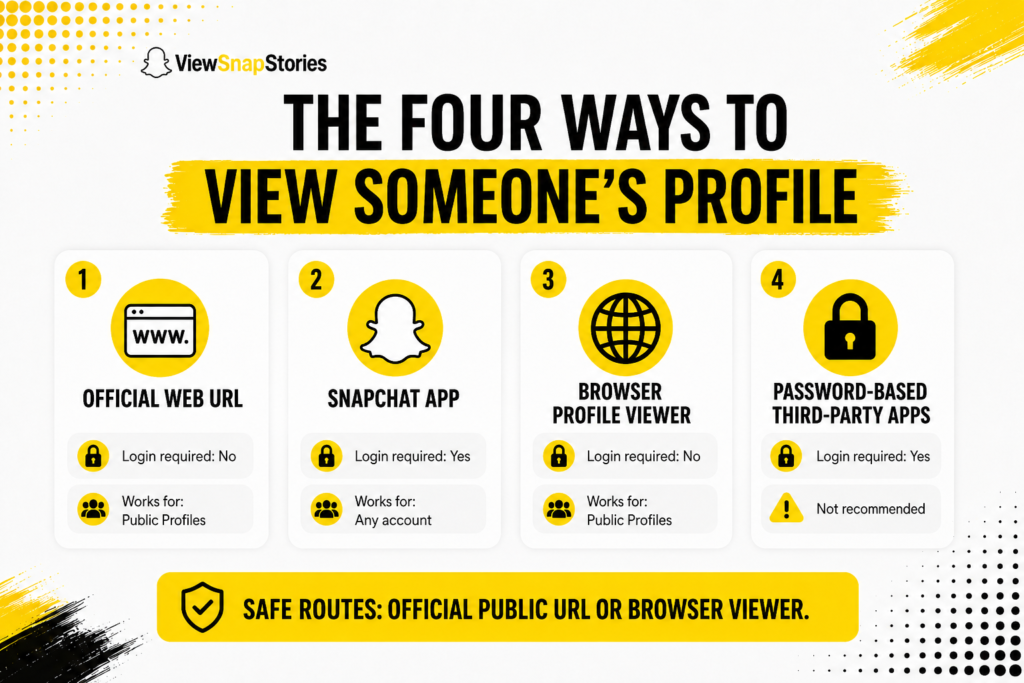
| Method | Login required | Works for |
|---|---|---|
| Snapchat official web URL | No | Only accounts with a Public Profile |
| Snapchat mobile app | Yes | Any account (public or private) |
| Browser profile viewer | No | Only accounts with a Public Profile |
| Third-party apps needing password | Yes (dangerous) | Not recommended |
The middle two rows are the safe options. The first has no interface polish. The third fixes that. The last one is where the trouble lives.
Route 1: The Direct Snapchat Web URL
Snapchat provides its own URL format for every Public Profile.
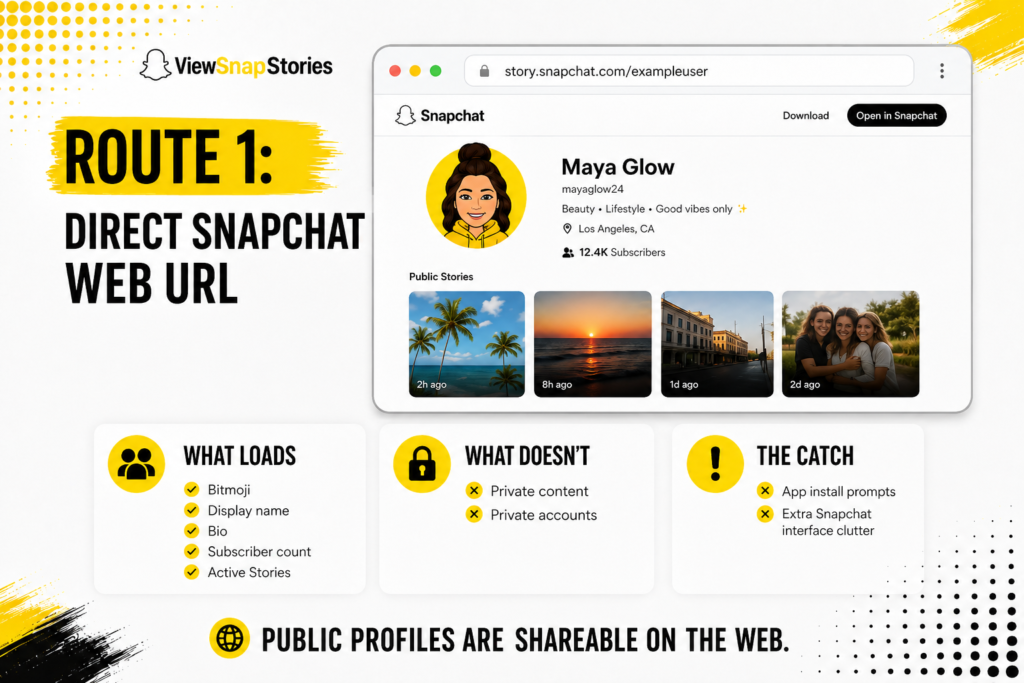
The public story page lives at story.snapchat.com followed by the username. So a profile with the handle exampleuser sits at story.snapchat.com/exampleuser. Open that in any browser and Snapchat itself renders the page.
- What loads.The Bitmoji, display name, bio, subscriber count and any active Stories.
- What does not load.Anything the account holder has not chosen to make public. Nothing at all shows on any private account either.
- The catch.The page is wrapped in Snapchat marketing prompts pushing you to install the app.
Snapchat’s own support page onviewing profiles in a browser notes that friend profiles need the mobile app. Public Profiles are the exception and behave differently, as their entire purpose is to be shareable on the web.
Route 2: A Browser Profile Viewer
This is the cleaner route when the official page feels cluttered.
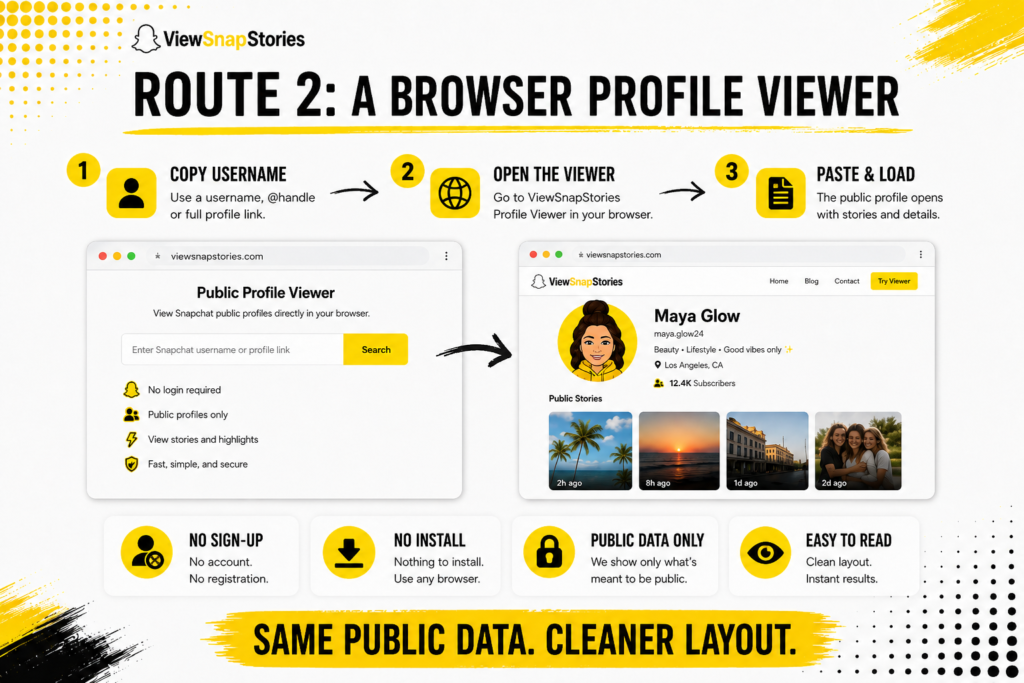
- Copy the username, the @username or a full profile link.
- Open theSnapchat Profile Viewer in any browser.
- Paste it in and the public profile loads.
The whole thing takes ten seconds. No email, no sign-up form, no install and nothing on the device afterwards.
The tool reads the same public data Snapchat publishes but drops the install prompts and lays the information out for reading rather than app promotion. The Bitmoji loads at full size. The display name and handle sit together. Stories load in a scrollable gallery.
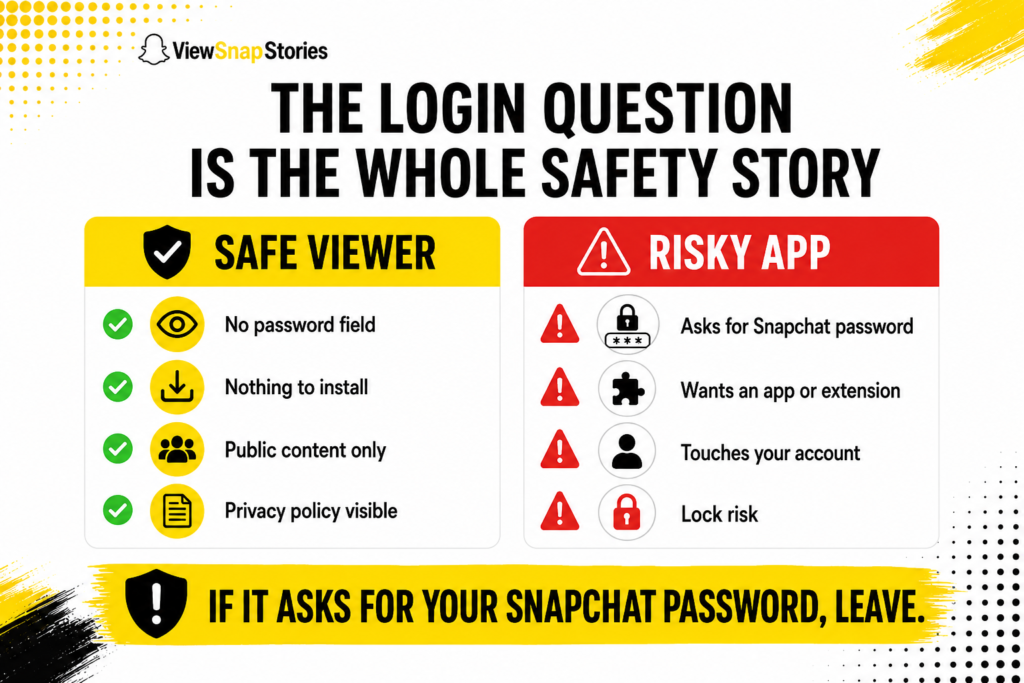
The Login Question Is the Whole Safety Story
This separates a harmless tool from one that can cost you your Snapchat account.
Snapchat is unambiguous about this. Its guidance onthird-party apps and plugins explains that unauthorised third-party apps work by using your login credentials to reach Snapchat services rather than connecting through an approved route. Doing so can get your account locked, sometimes permanently. Team Snapchat cannot unlock accounts locked for this reason.
A browser viewer reading public pages never touches your account because it never asks for it. That is a completely different mechanism. It is also why the password question matters more than anything else on this topic.
- No password field.The single clearest signal. Nothing legitimate needs your Snapchat login to read a public page.
- Nothing to install.No app, no browser extension, no device profile.
- Public content only.Stated plainly rather than hinted at.
- A visible privacy policy.Explaining whether searches are stored.
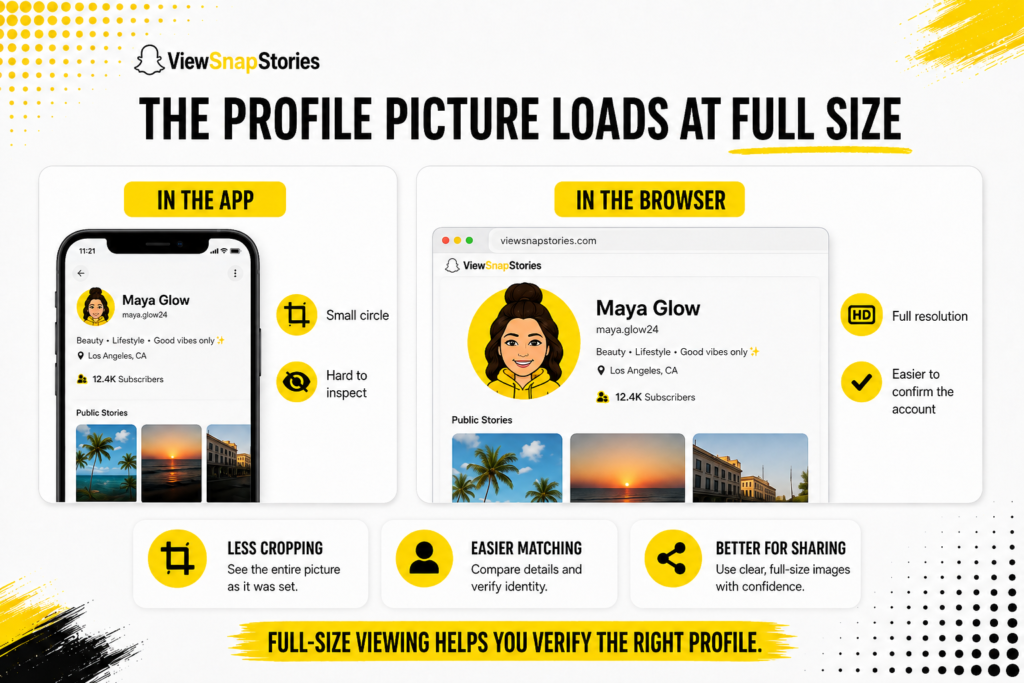
The Profile Picture Loads at Full Size
Small thing that turns out to be the main reason people use a browser for this.
Snapchat displays Bitmojis inside a small circle in the app with no way to expand them. Screenshot that and you get a cropped thumbnail. The underlying image is considerably larger. A browser tool loads that full-resolution version directly.
- Full resolution rather than a cropped circle.
- No squinting at a thumbnail to work out whether it is the right account.
- Useful when confirming an account before adding it or sharing the profile with somebody else.
Using It on a Shared or Work Device
One of the more practical reasons to look without signing in.
Logging your personal Snapchat account into a shared computer leaves traces that are easy to forget. A stayed-signed-in session. A saved password. A browser that remembers more than you intended.
- Nothing to sign out of afterwards.
- No credentials sitting in a browser you do not control.
- No notifications appearing on a screen somebody else can see.
- No account of yours associated with the lookup.

For anyone checking public accounts as part of a job, that separation is the point rather than a side benefit.
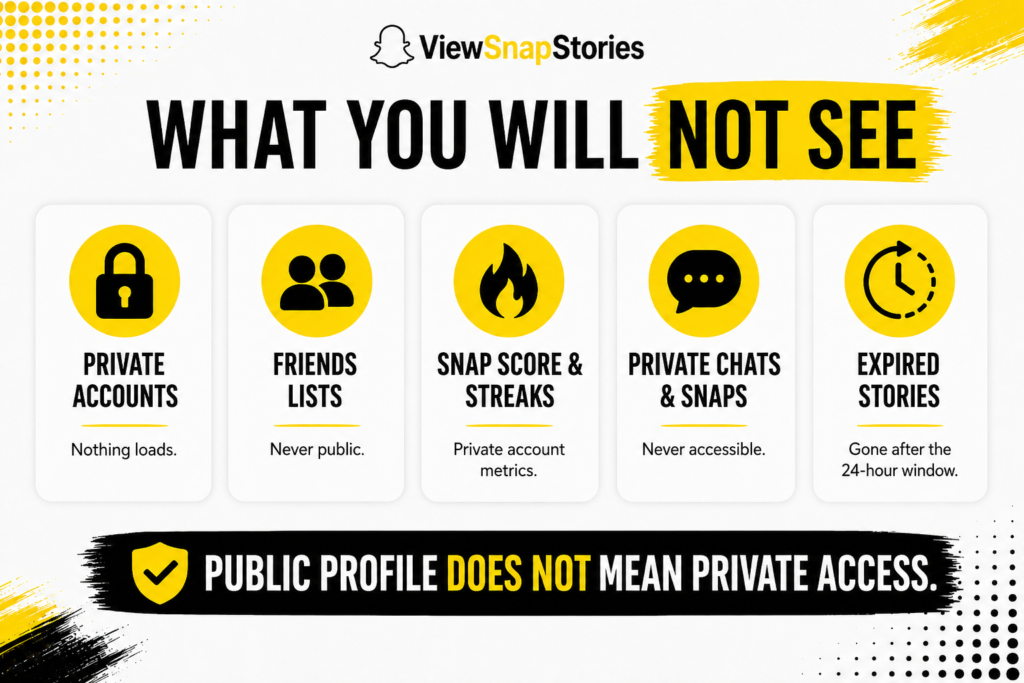
What You Will Not See
Being clear about the ceiling.
- Private accounts.Nothing loads. Private accounts publish nothing and no external route reaches them.
- Friends lists.Never public. Even on the most active Public Profile, the account owner’s friend list stays private.
- Snap score and Streaks.Personal metrics that stay on the private side.
- Chats and Snaps sent privately.Never accessible through any route.
- Expired Stories.Once the 24-hour window closes, the file is deleted from Snapchat’s servers.
The full inventory of what is public and what stays private sits in the guide on what information is public on a Snapchat profile.
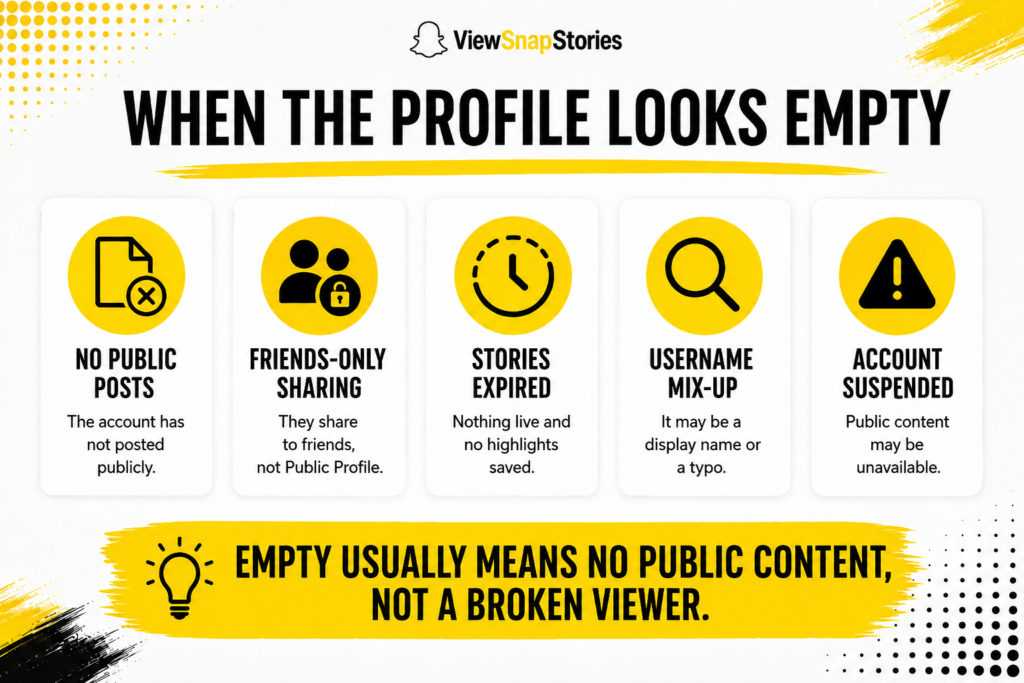
When the Profile Looks Empty
Common. Usually not a tool problem either.
- The account has a Public Profile but has never posted anything to it.
- They share content with friends rather than publicly.
- Their Stories expired and no Highlights were saved.
- The handle is misspelled or is actually a display name rather than a username.
- The account was suspended for a Community Guidelines issue.
The guide on finding someone’s public Snapchat profile covers each of those. When the confusion is between username and display name, the breakdown of username against display name clears that up.
Viewing Without Logging In FAQs
Will they know I looked?
No. You are not signed in, so there is nothing to attach a view to and nothing sent to the account owner.
Is this against Snapchat rules?
Reading a public page is a different matter from signing in through an unauthorised app. Snapchat itself publishes these pages precisely so anyone can read them. The rules Snapchat enforces concern the apps that use your credentials, not the tools that read public data.
Does it work on a phone?
Yes. Any browser on any device, since nothing is installed.
Can I save what I see?
Public Stories can be saved with theSnapchat Story Downloader while they are still live.
Public Means Readable
If somebody switched a Public Profile on, they published it. Reading that in a browser needs no account and leaves no trace on either side.
The choice is really between the raw Snapchat URL and a cleaner viewer that presents the same data more usefully. Both work. Neither requires a login. Just be careful which tool you pick, because the one that asks for your password is not doing the same thing as the one that does not.
Paste a handle into theprofile viewer to see what is actually there. Thestory viewer handles anything currently posted. Theusername finder helps when you have a name rather than a handle.