Maya runs social media for a small skincare brand, the kind of job where budget approval takes three meetings and a spreadsheet. When her intern asked why they were paying forty dollars a month for a Snapchat monitoring app, Maya didn’t have a good answer. She spent one afternoon testing free browser tools instead and never looked back.
That’s usually how it goes. Most people don’t need a subscription to watch a public story, download a clip or check a username. A handful of free tools already cover the job.
Why Free Browser Tools Beat Paid Apps
The paid apps Maya’s team tried all wanted an email signup, then a card number for the “free trial,” then a monthly charge buried in fine print. None of that is necessary for anything involving public Snapchat content.
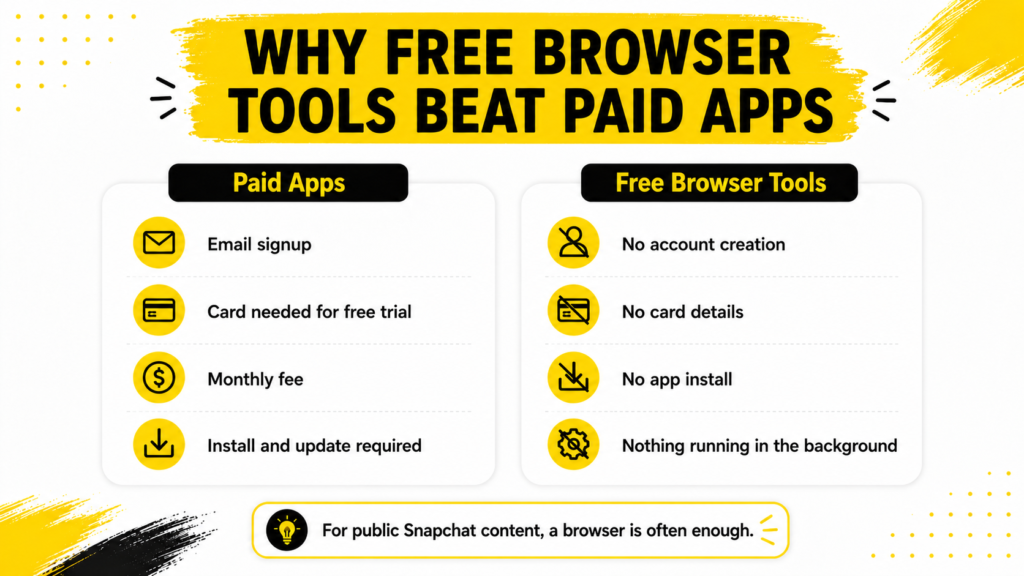
Free browser tools skip all of it:
- No account creation
- No card details, ever
- No app to install or update
- Nothing running in the background on your phone
Watching Stories Without Logging In
The most common request on Maya’s team is simple. Someone wants to see a public story without opening the Snapchat app or leaving a trace behind. Astory viewer tool handles that by pulling the content straight from the public profile and loading it right in the browser.
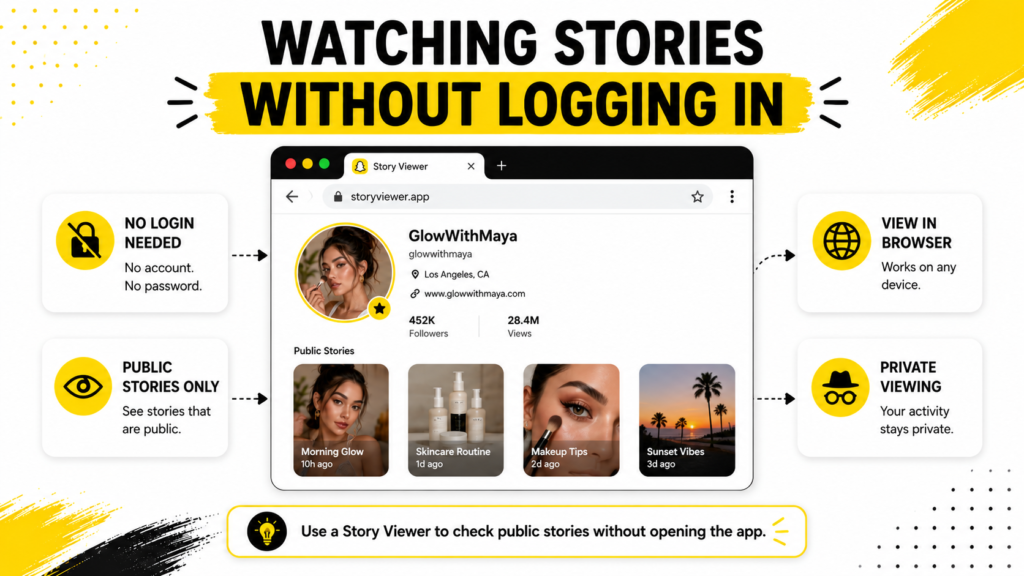
Her team checks three competitor accounts every morning before planning their own posting schedule for the day. Nobody on the other end ever knows they looked.
Downloading Stories and Spotlight Clips
Watching isn’t always enough. Sometimes a team wants to save a clip, either for a swipe file or to reference later in a meeting. A story downloader and aspotlight downloader cover that, pulling public videos straight to a device without screen recording or any workaround.
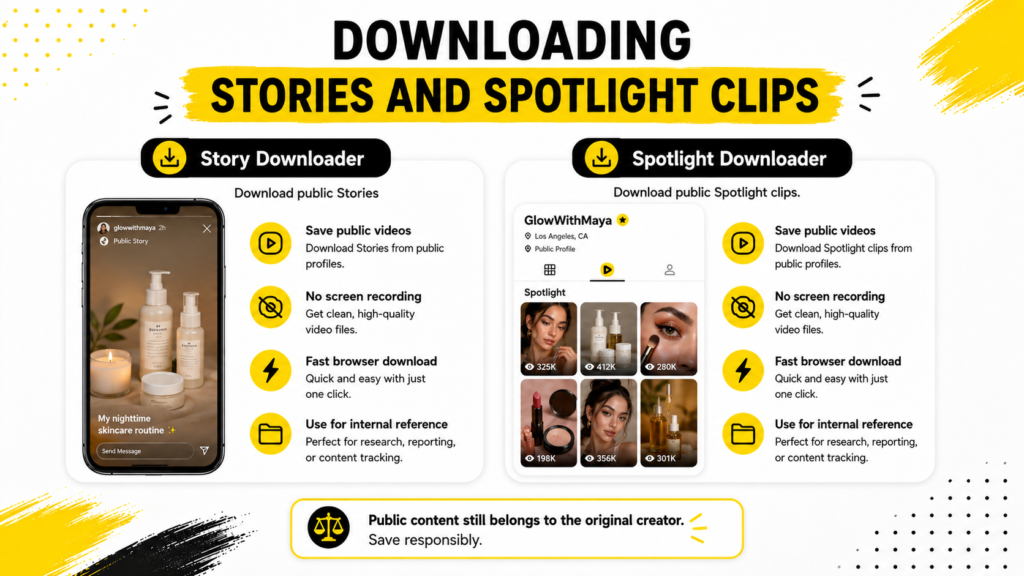
One thing worth knowing: downloaded content still belongs to whoever posted it. Maya’s team only saves things for internal reference, never reposts anything and credits the original creator if a clip ever gets shared outside the team.
Finding Usernames and Checking Profiles
Not every search starts with a known username. Sometimes a team only has a name, a brand or a rough guess at spelling. Ausername finder searches by name or keyword and returns matching public profiles with their pictures attached, so nobody has to guess.
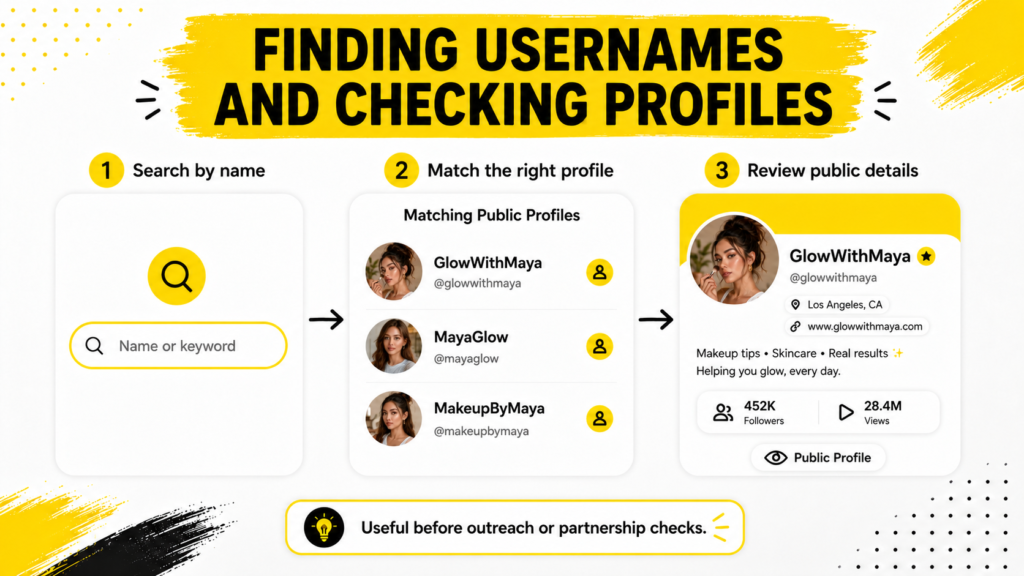
Once a username is confirmed, aprofile viewer pulls the bio, follower count and other public details in one search. That’s useful before reaching out to anyone for a partnership.
Who Actually Uses These Tools
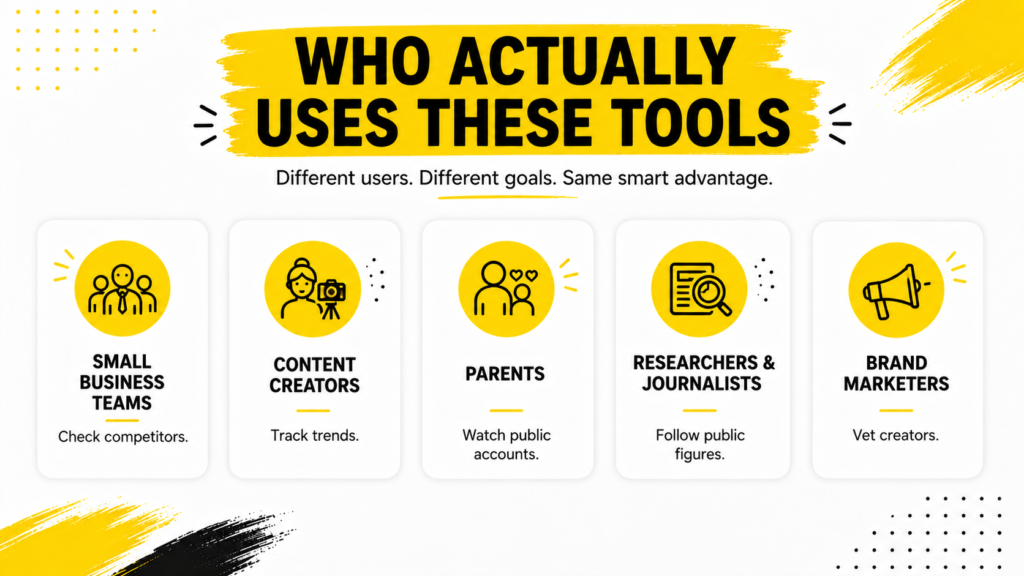
- Small business teams like Maya’s, checking competitors without paying for a monitoring subscription
- Content creators watching what’s trending in their niche before planning their own posts
- Parents keeping an eye on public accounts their kids follow
- Researchers and journalists tracking public figures without revealing their identity
A Quick Note on What’s Public
Every tool mentioned here works from the same starting point: public profiles only. Private accounts stay locked to their approved followers. No legitimate free tool gets around that wall.
That’s actually good news for anyone worried about doing something shady. Maya’s team never touches a private account. They only look at what a brand or creator already chose to make visible to everyone. Snapchat’sown support page spells out exactly what counts as public on a profile. The tools just make finding that information faster than scrolling through the app by hand.
Things to Check Before You Trust a Free Tool
Not every free tool online is worth trusting. Maya learned that the hard way after installing a story saver app that buried her camera roll in ads and asked for permissions it had no reason to need.
Since then her team runs a quick check first. It only takes a minute and it has already saved them from installing a few duds.
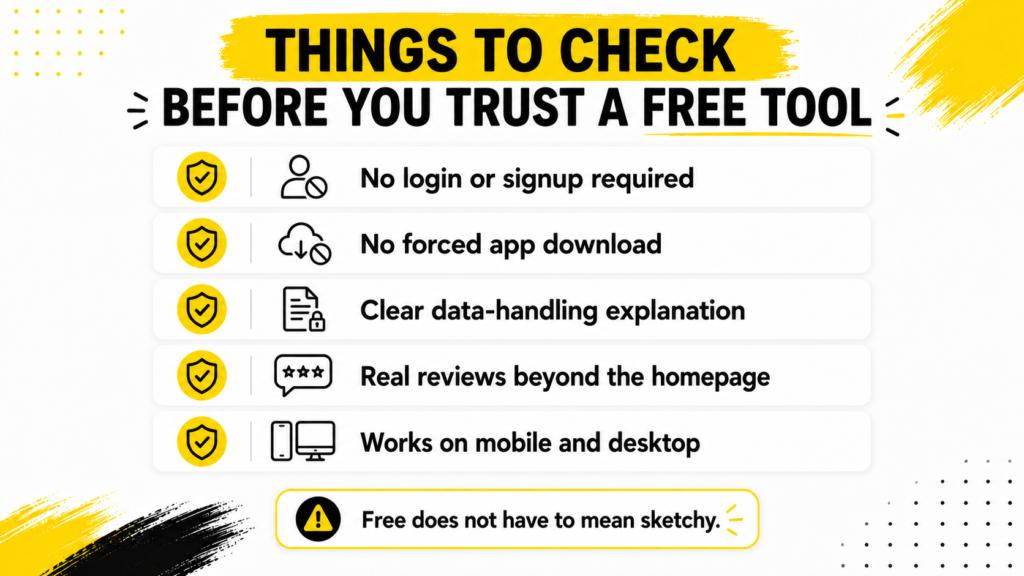
Here’s what they look for before trusting a free tool with their work:
- No login, signup or personal email required just to try it
- No forced app download hidden behind a browser button
- A clear, simple answer for what happens to any data you enter
- Real reviews or mentions somewhere other than the tool’s own homepage
- A site that works the same way on mobile and desktop without breaking
If a tool fails more than one of these, Maya just closes the tab. Free doesn’t have to mean sketchy. The good ones don’t hide much of anything.
Frequently Asked Questions
Do I need to install anything to use these tools?
Nope, it all runs in the browser, desktop or mobile.
Will the account owner know I checked their profile?
No. None of these tools log or notify the account being viewed.
Can these tools access private accounts?
No. They only work with public profiles. Private accounts stay locked to their approved followers.
Is there really no cost to use them?
Correct. Maya’s team has used them for months without ever hitting a paywall.
Which tool should I start with?
It depends on the goal. Checking a story means the story viewer, saving a clip means the downloader and confirming a username means the username finder.
What It Comes Down To
Maya’s team dropped their monitoring subscription the same week they foundSnapchat tools online that did the same job for free. A story viewer, a downloader, a username finder and a profile viewer together cover almost everything a small team actually needs.
None of it requires an account, a password or a credit card. Just a browser and the username you’re looking for.