Snapchat has no save button for somebody else’s Spotlight clip. Screen recording gives you a shaky copy with the interface baked into it.
The browser route is better. Enter a creator’s username, browse every public Spotlight video on that profile and download the ones you want in their original quality. No app, no Snapchat account and nothing installed.
Spotlight Is Not a Story
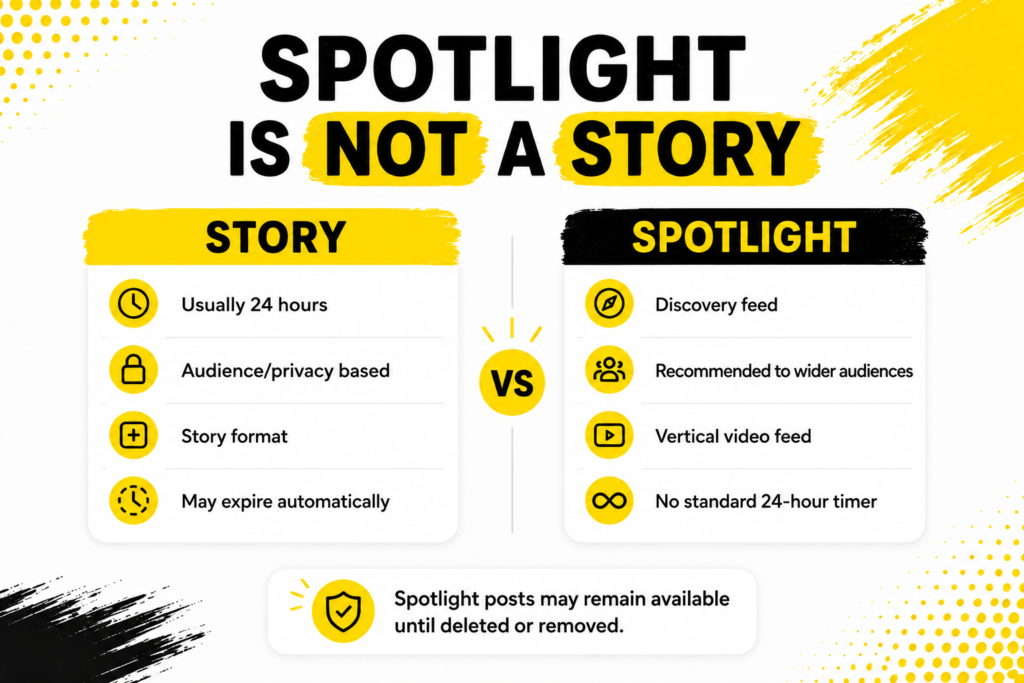
Worth two lines before anything else, because it changes how you approach saving one. Snapchat describesSpotlight as its discovery feed for entertaining Snaps from across the community, open to anyone rather than to a friends list.
A story runs out after a day. A Spotlight clip stays up and keeps collecting views for weeks. So there is no countdown pushing you to save it, though creators do delete things and Snap does remove content, which is reason enough to keep a copy of anything you actually need.
The full breakdown of Spotlight against Stories covers the rest of the differences.
How to Download Snapchat Spotlight Videos
Three steps. The first one is the only one people get wrong.
- Get the creator’s username. A plain handle, one with the @ or a full profile link all work.
- Open theSnapchat Spotlight Downloader in any browser and paste it in.
- Browse the Spotlight videos that load and hit download on the one you want.
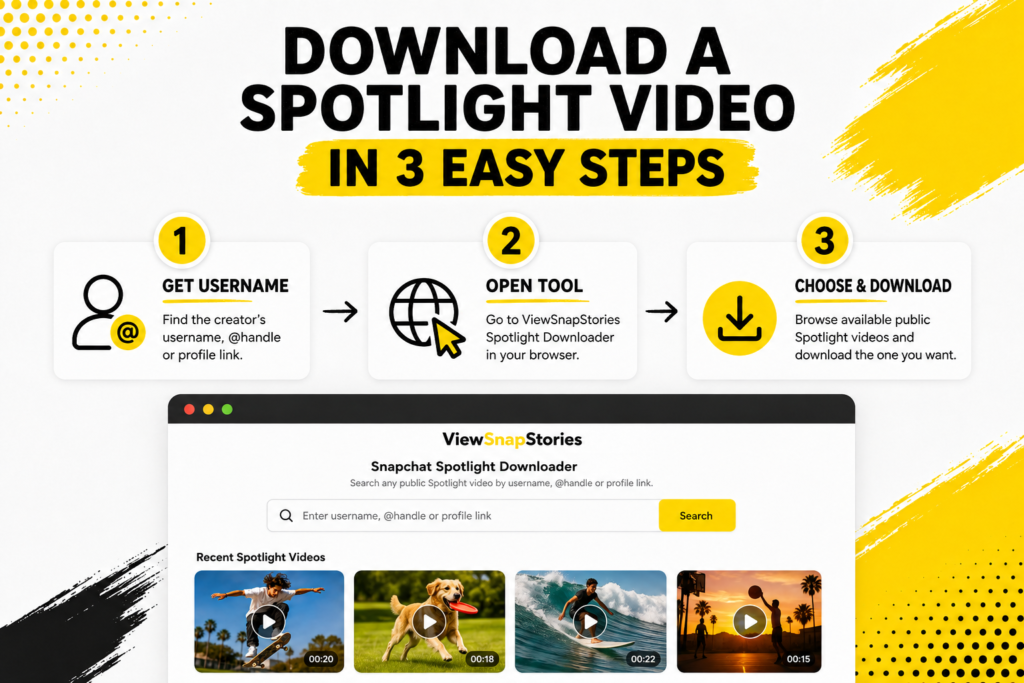
The file saves at the resolution it was posted in. No re-encoding on the way through, which is the whole advantage over recording your screen.
Why You Enter a Profile and Not a Video Link
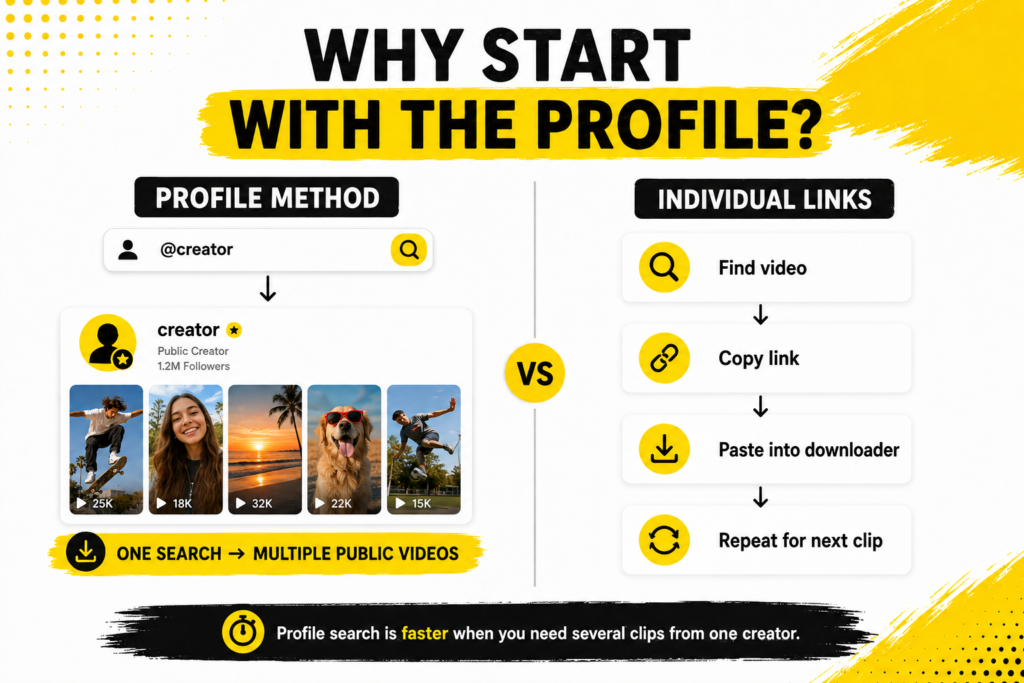
Most downloaders want the URL of one specific clip. This one works from the profile instead, which sounds like a small difference and is not.
- You see the creator’s whole public Spotlight catalogue in one screen rather than one clip at a time.
- No need to open Snapchat, find the video and copy a link before you start.
- Saving five clips from the same creator takes one search rather than five.
Handy if you are collecting reference material. Less handy if somebody sent you a single link and you have no idea whose account it came from, in which case open the link first and note the handle.
What You Actually Get
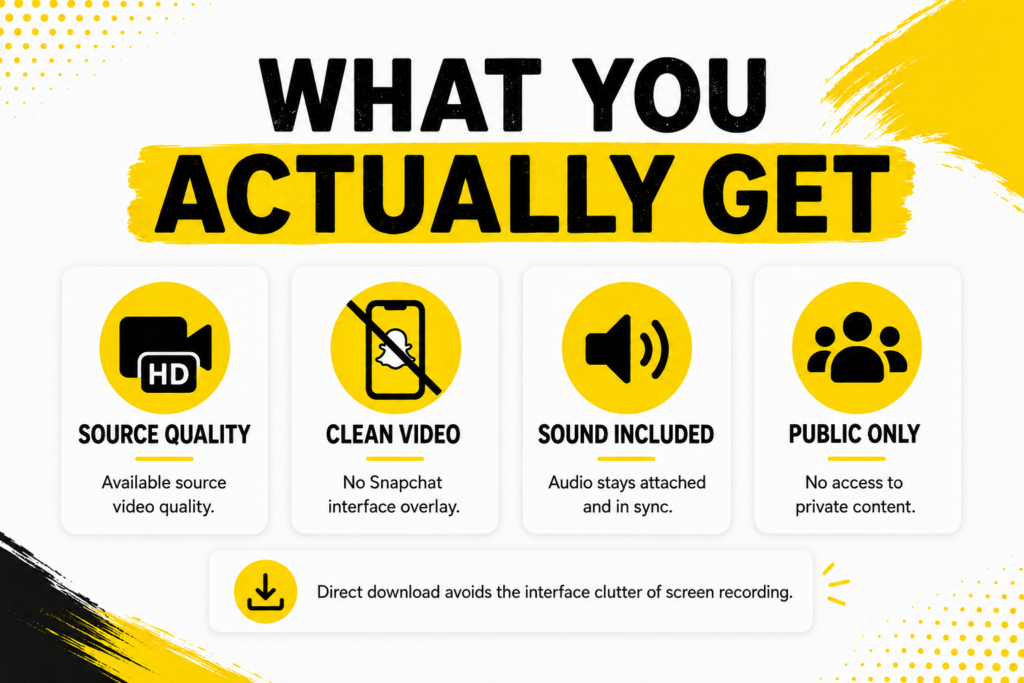
A clean video file and nothing bolted onto it.
- Original quality.Whatever resolution the creator posted is what lands on your device.
- No interface in the frame.None of the buttons, captions or progress bars a screen recording picks up.
- Sound intact.The audio comes down attached and in sync.
- Public content only.Private accounts publish nothing, so there is nothing for any tool to reach.
Phone or Desktop, Same Process
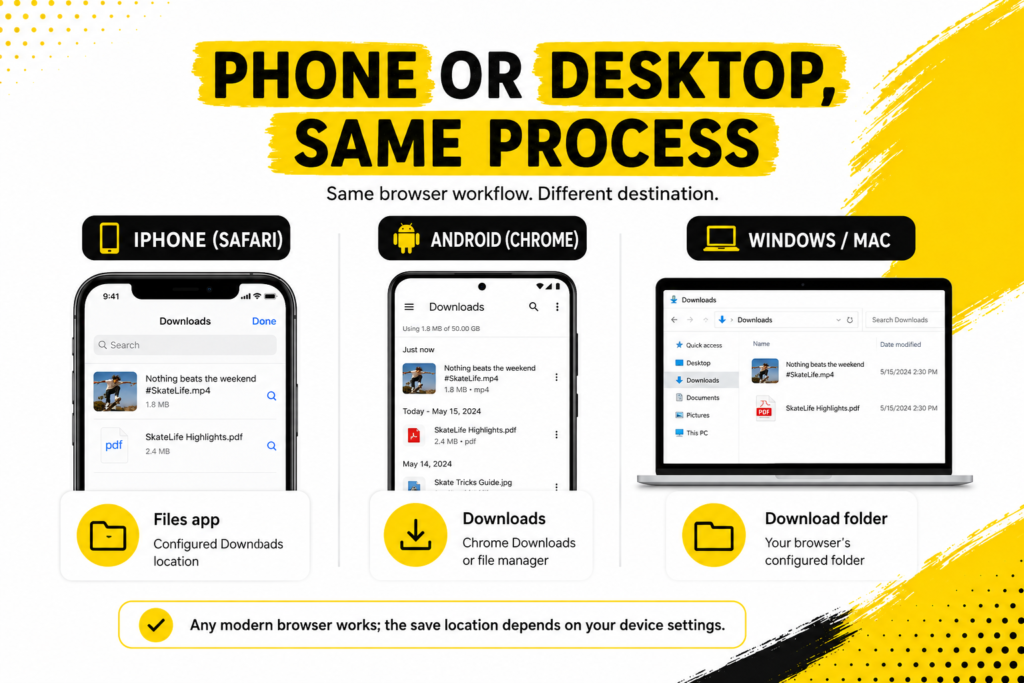
It runs in a browser, so the steps do not change between devices. Only the destination does.
- iPhone.Safari saves to Files rather than Photos. Open Files, find it in Downloads and use Share then Save Video to move it across.
- Android.Chrome drops it in Downloads and Gallery picks it up shortly after.
- Windows or Mac.Straight to your usual downloads folder.
Snapchat also runs Spotlight on the web at web.snapchat.com if you want to browse there before deciding what to save.
When Nothing Loads
Almost always one of four things.
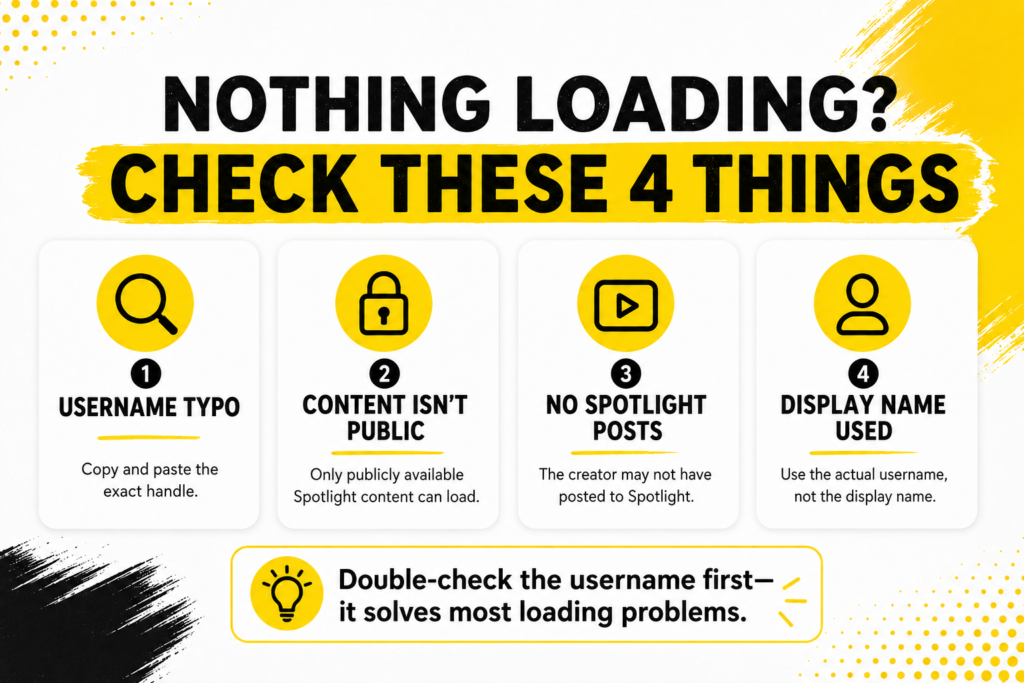
- The handle is misspelled. Copy and paste rather than typing it out.
- The account is private, so nothing is public to fetch.
- That creator has never posted to Spotlight. Plenty of accounts only post stories.
- You used the display name instead of the username. They are different and only the username works.
What You Can Do With a Saved Spotlight Video
Downloading is not the same as owning. Spotlight also has its own rules layered on top of the usual ones.
Snap’sSpotlight Guidelines are explicit that creators should only submit content they made themselves. Rightsholders can report infringing material and Snap acts on it. TheSpotlight Terms set out the rest of the arrangement between Snap and the people posting.
- Personal reference, offline viewing and research are all ordinary uses.
- Re-uploading somebody’s clip as your own Spotlight submission is not.
- Commercial use needs the creator’s permission first.
Credit the creator if you share it anywhere. Costs nothing and it is the difference between reference and theft.
Why Screen Recording Is Not the Same Thing
It is the obvious workaround so it is worth saying why it is a poor one.
- Quality drops.A recording captures what your screen displayed rather than the file behind it, so you lose detail before you have started.
- The interface comes along.Buttons, captions, the creator handle, your own status bar. All of it ends up in the frame.
- Audio gets messy.Notifications, background noise or a muted phone can ruin the take without you noticing until later.
- It takes real time.You have to sit through the whole clip in real time, then trim the ends off it.
A direct download skips every one of those. You get the file the creator uploaded rather than a photograph of your own phone playing it.
Spotlight Download FAQs
Will the creator know I downloaded it?
No. Nothing is sent back to them. You are never signed in to Snapchat at any point in the process.
Do Spotlight videos expire like stories?
No. They stay up indefinitely unless the creator deletes them or Snap removes them.
Can I download my own Spotlight posts?
Yes, the same way. Snapchat also lets you save your own Spotlight Snaps from inside the app.
Is there a limit on how many I can save?
No. Work through a creator’s Spotlight videos as slowly or as quickly as you like.
Grab the Clip in Three Steps
Username in, browse what loads, download what you want. That is the entire workflow and it takes longer to read about than to do.
Open theSpotlight downloader with a handle ready. If it was a regular story you were after rather than a Spotlight clip, thestory downloader handles those. Thestory viewer is there when watching is all you wanted.